


 Log in
How to repay?
We try to make our service as convenient as possible. The repayment process is described below.

Debit order deduction
When you apply for the loan, we arrange debit order deduction of your loan repayment from your verified bank account. The payment will be deducted on the due date. Please make sure there are enough funds in your account before or on the due date.

Payment via your personal account
If you decide to repay the loan before or after the payment deadline, an alternative payment option is available through our partners in your personal account at https://lendplus.co.za/user/login
You can also use the link from LendPlus (via SMS or email) to access your account.

Capitec pay

EFT

OZOW

Pay in store

Card
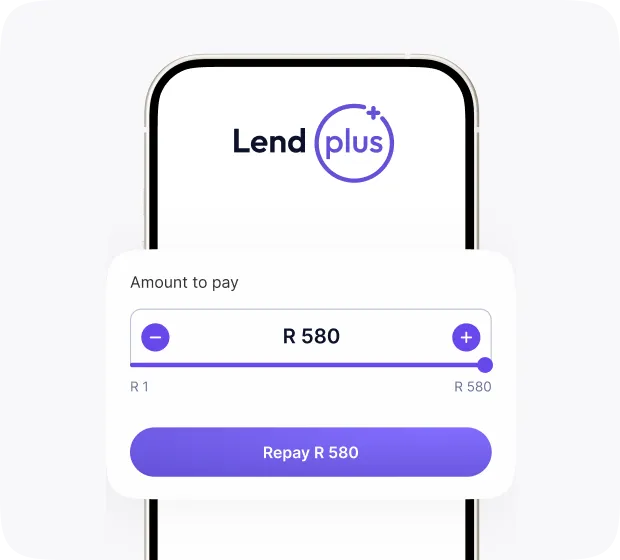
Press Repay on the loan page
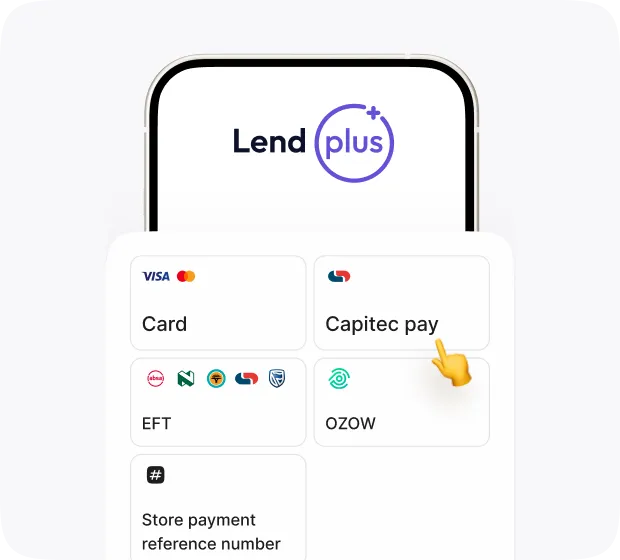
Select Capitec pay on the payment page
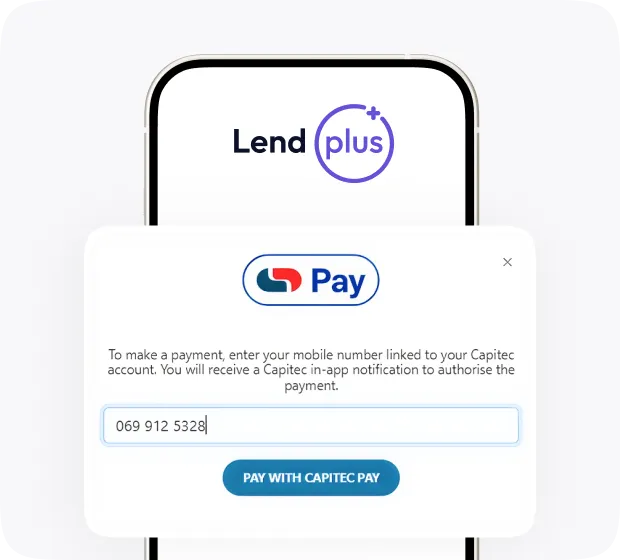
Enter your Capitec-linked number and select Pay with Capitec pay
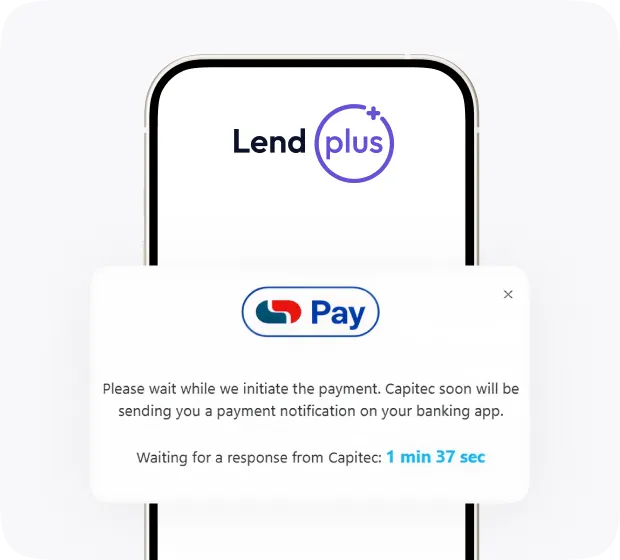
You’ll see a pop-up. Open your Capitec app and approve the payment
Once approved, your payment will be marked as successful
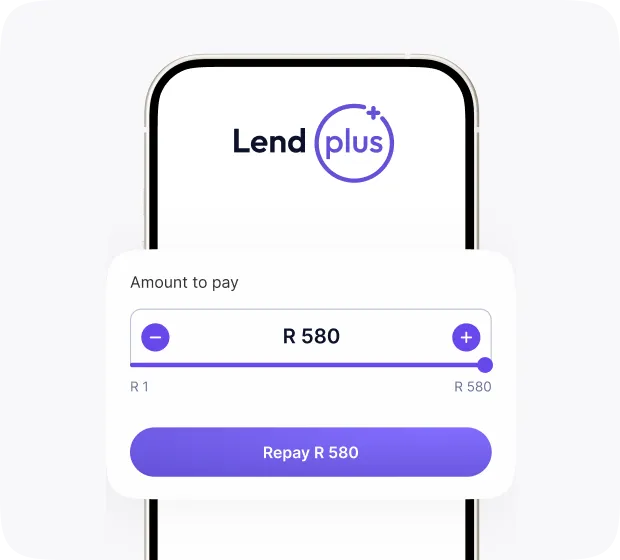
Press Repay on the loan page
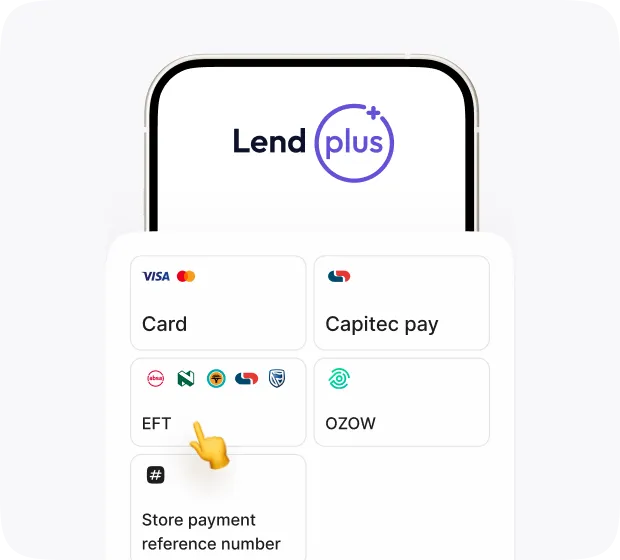
Select EFT on the payment page
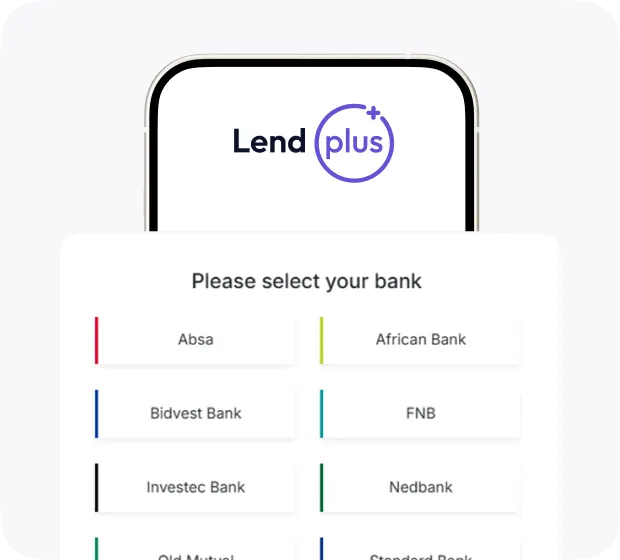
Select your bank on the OZOW payment page
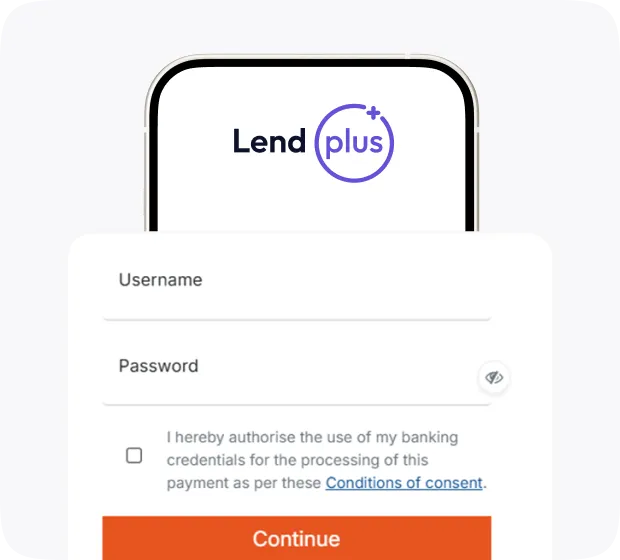
Input your login details
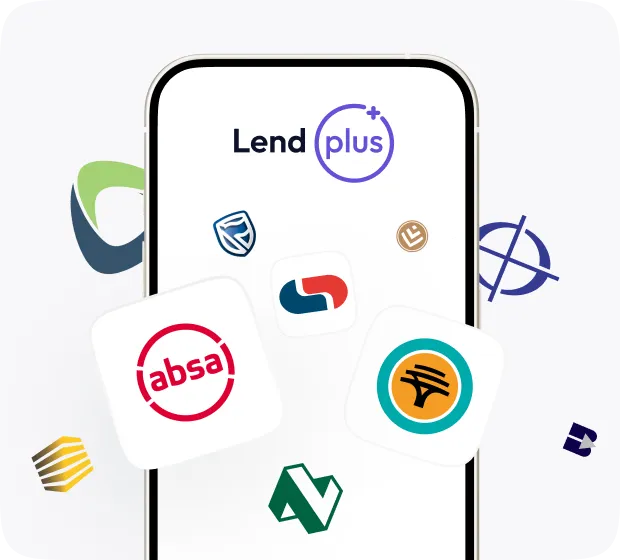
Select the account you want to pay from on your banking application
Authorise the transaction using your bank’s multi-factor authentication (OTP, push notification, or app approval)
Once authorized, your payment is processed instantly — funds are transferred directly and confirmation is displayed immediately
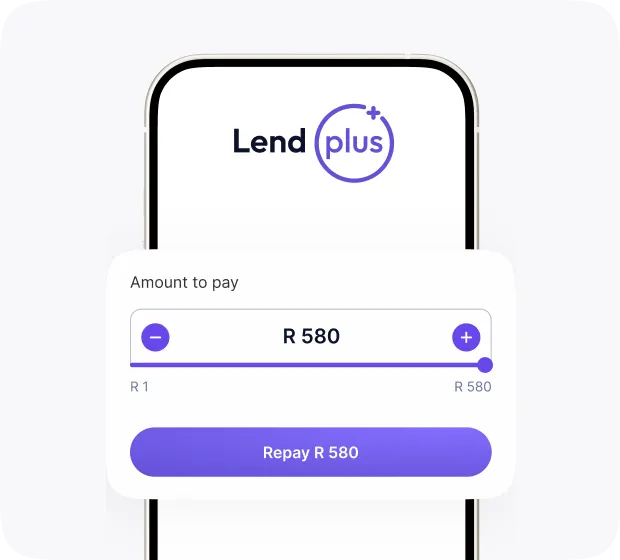
Press Repay on the loan page
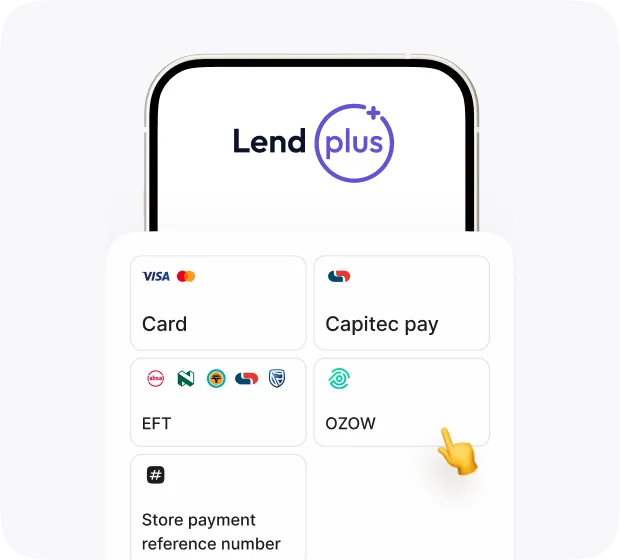
Select OZOW on the payment page
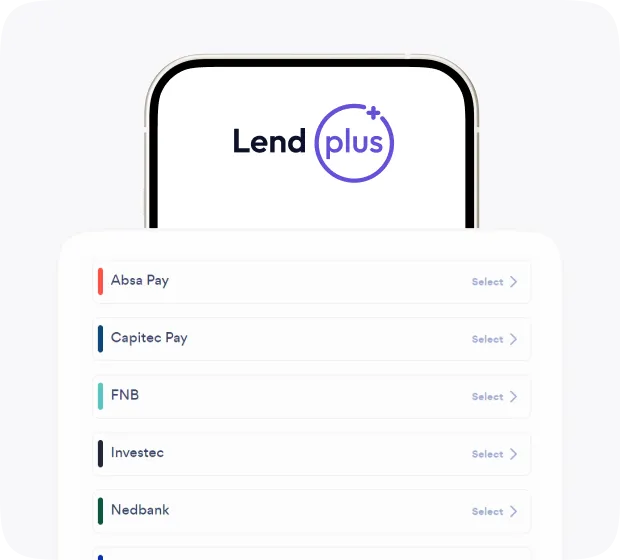
Select your bank on the OZOW payment page
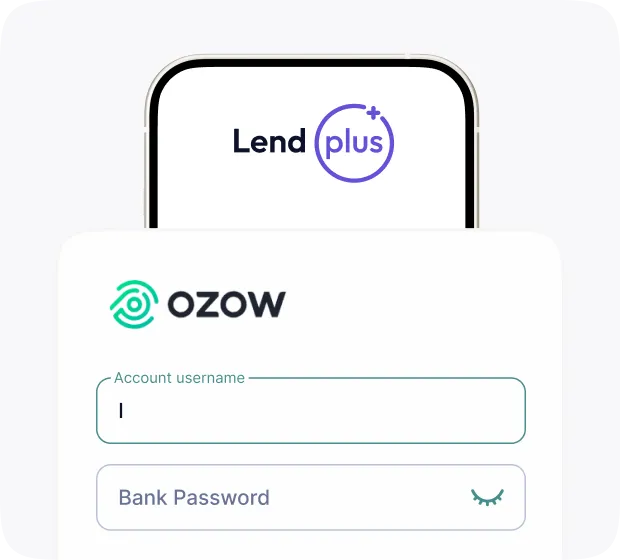
Input your login details
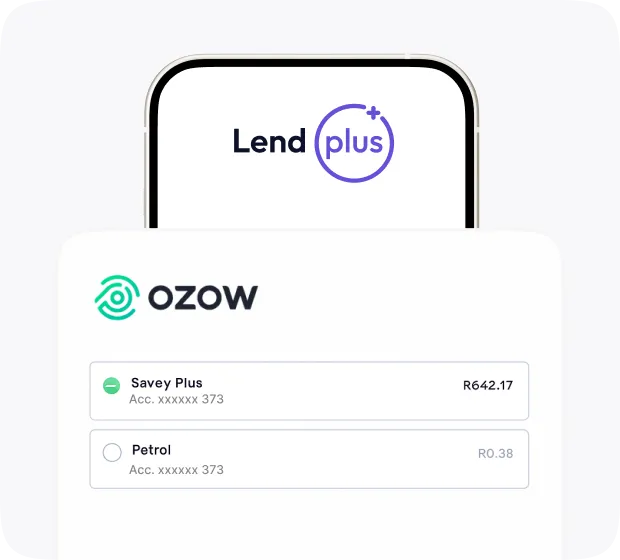
Select your bank account
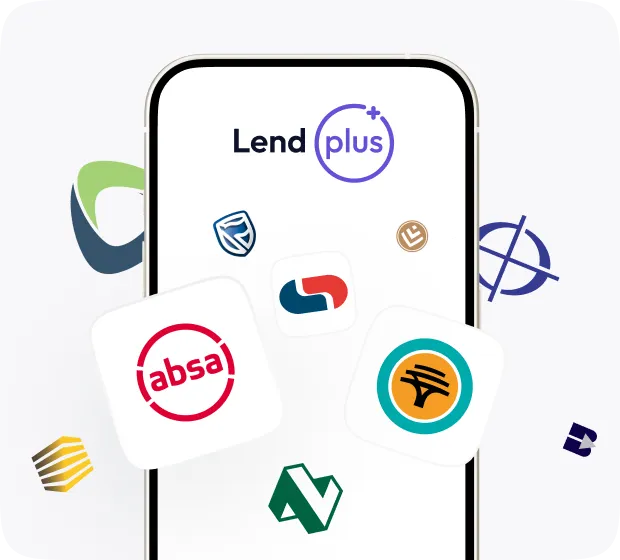
Confirm your payment
Payment is complete
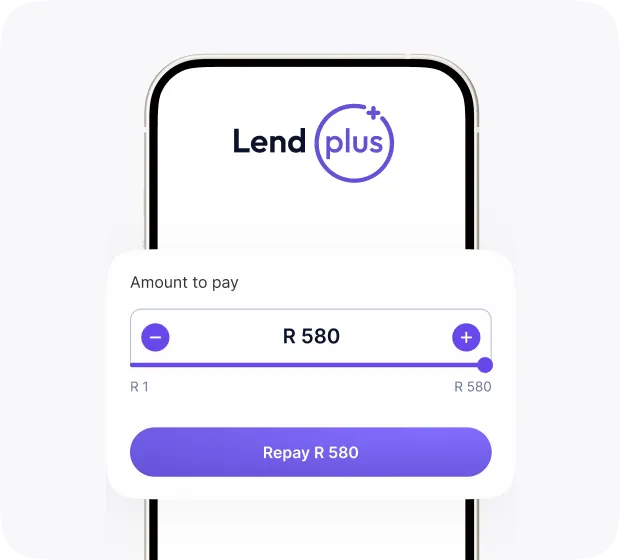
Press Repay on the loan page
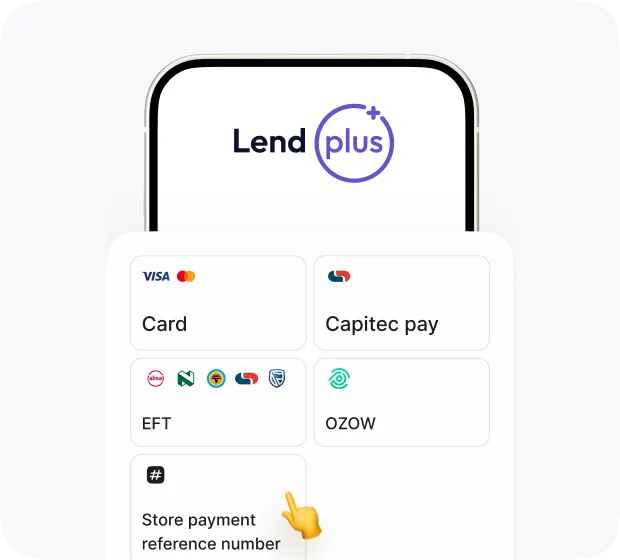
Select Store payment reference number on the payment page
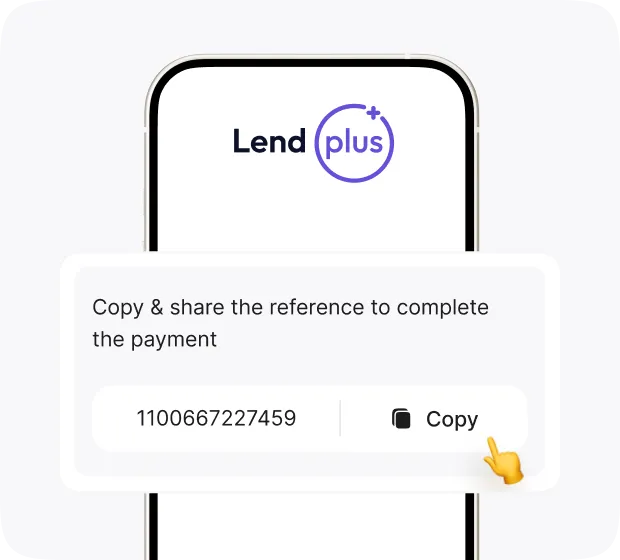
You’ll see a unique reference number — copy & save it. Share it if someone else is paying
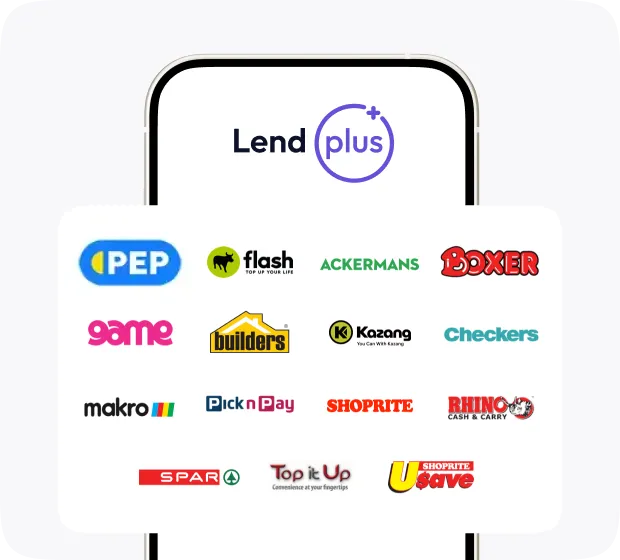
Show your reference at a Pay@ store to pay and get a receipt
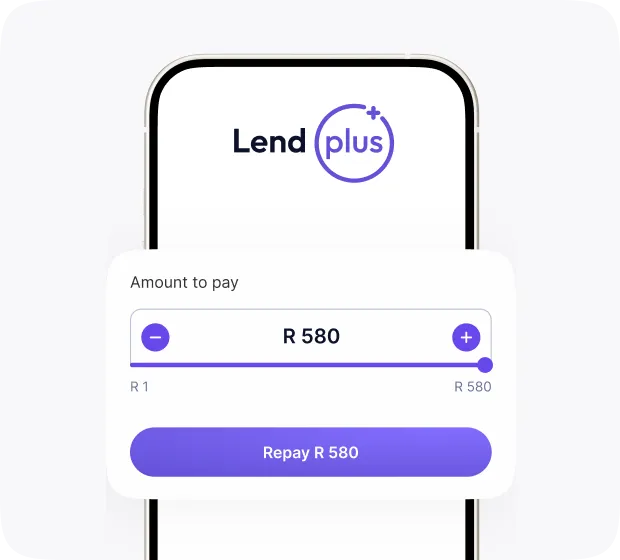
Press Repay on the loan page
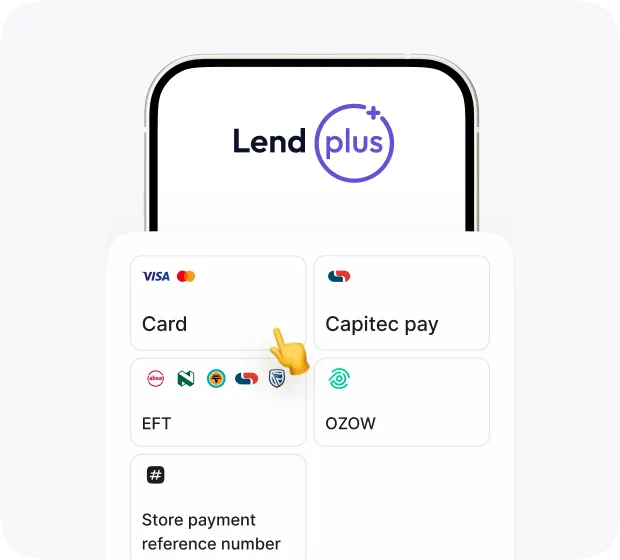
Select Card on the payment page
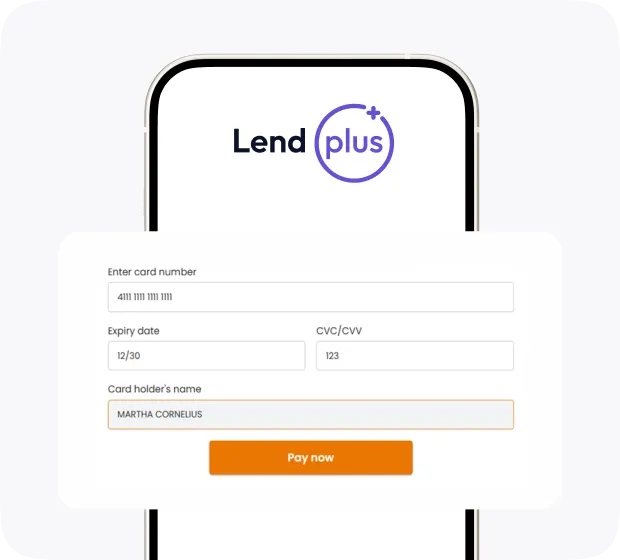
Enter your card details: card number, expiry date, cardholder name (exactly as on card). Click Pay now to complete your payment
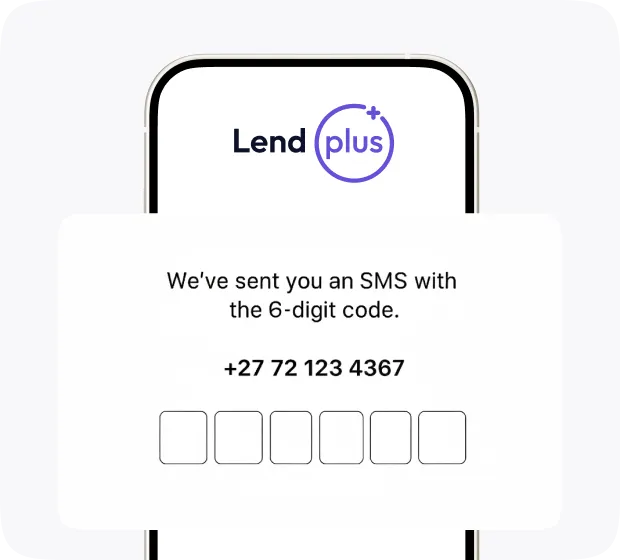
For cards with 3D Secure (OTP)
you may need to enter a bank OTP to complete payment
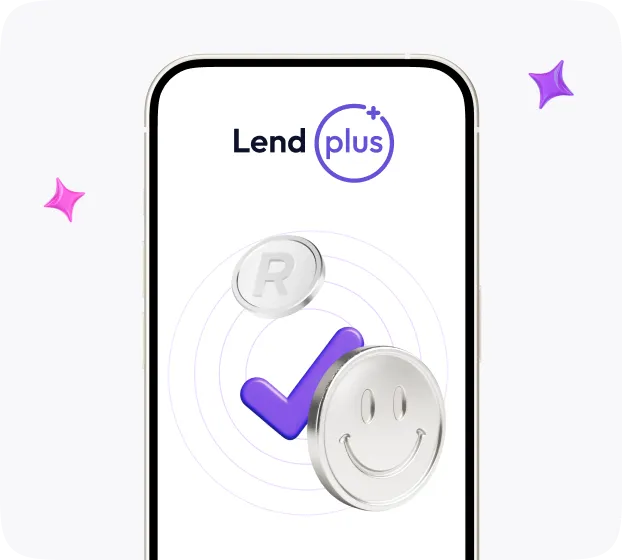
Once approved, your payment will be marked as successful

Need help?
Feel free to contact us: